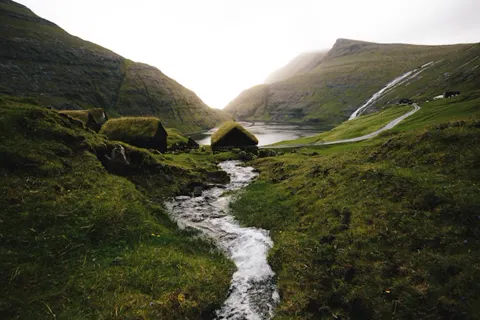



Why the water leads here
Most mixes here put the generated sound in front. This one does not. The river leads, and green noise stays behind it, filling the thin moments so the recording does not seem to come and go. Green noise is a soft hiss with no agreed definition, so take the name loosely and judge it by ear. What the pair gives you is something wide and unhurried to sit in, with no voice and no instruction. There are no guided tracks anywhere on the site, and there is nothing to follow here.
Setting it up before you sit
Get the level right before you sit down, so moving sliders does not become part of the session. Take your posture, start a timer if you use one, and let the river stay in the background where you are not following it. Sitting does not need sound at all, and this mix makes no promise about stress or your state of mind. If the water turns into a scene you are picturing, come back to whatever you use as an anchor, or drop the volume a little. It also works for slow stretching or a few screen-free minutes between tasks.
Keep the hiss out of the way
If you can pick green noise out as a separate hiss, move it down toward 20 and it should disappear under the water. If the river's changes feel exposed, raise the hiss by five instead of turning everything up. On speakers, putting the sound off to one side opens the room out, and on headphones most people want the master volume lower than they expect. Decide the balance before you begin, then leave the controls alone for the rest of the session.
Explore the sounds in this mix
Listen to each layer on its own: River and Green Noise. Or start from scratch in the free online sound mixer.
Frequently asked questions
Do I need headphones?
No. Quiet speakers make the room feel more open, and headphones are useful when other people are around.
Is anyone talking on this track?
No. It is a river and green noise only, with no voice, no instructions and no music.
How long can I run it for?
As long as your practice takes. The mixer timer offers 15, 30 or 60 minutes, or you can leave it off and stop the sound yourself.