How to Fall Asleep Faster, Even With Noise You Can't Stop
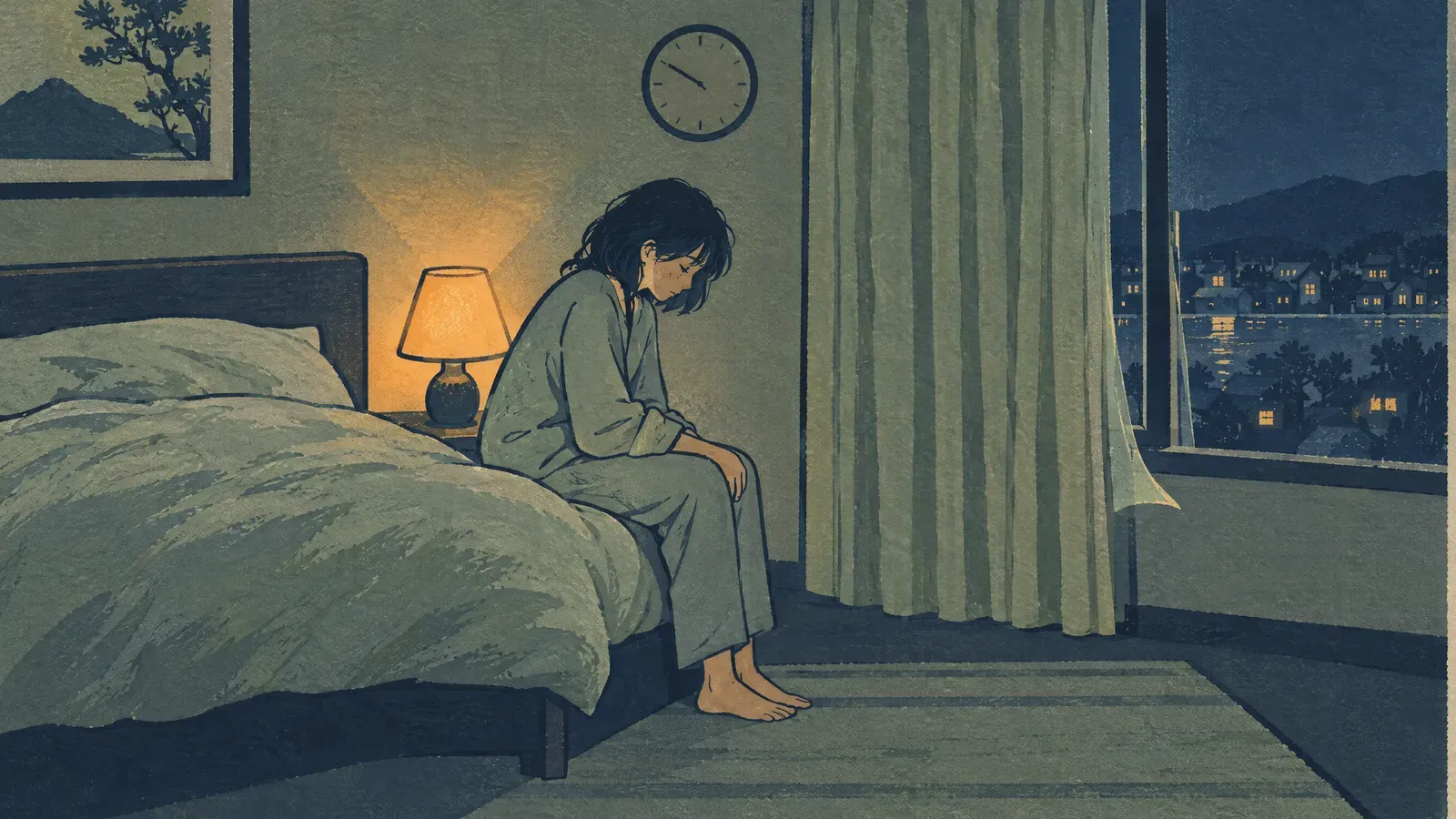
Nothing puts you to sleep on demand, so the honest answer is to stop working at it. If you’ve been lying there about twenty minutes, get up, sit somewhere dim and dull until your eyes feel heavy, then go back to bed. Make the room cooler than the rest of the house, get the bright light off your face, and move your phone somewhere you’d have to stand up to reach. If noise is coming through a wall, a steady sound in the room gives you less to wake up to, and the Slo player runs free in a browser with no account. None of that is fast in the way you want tonight. It’s the part you can still change before morning.
Press play and read on.
Get out of bed after about twenty minutes
This is the one that feels wrong and works anyway. Lying there trying harder teaches your brain that bed is a place where you’re awake, and every night like that makes the link stronger. So break it up: get out, go to another room or at least another chair, keep the light low, and do something boring until you feel sleepy. Then go back. If you’re still awake twenty minutes later, do it again.
You don’t need to time the twenty minutes. A rough guess is fine, and checking a clock while you’re up only wakes you more. This step isn’t folk advice. It’s called stimulus control, it’s one of the pieces of cognitive behavioral therapy for insomnia, and the NHLBI lists it among the behavioral steps that treatment uses.
Make the room cool, dark and dull
Your body temperature drops as you fall asleep, and a warm room works against that. Cooler than the rest of the house is the target, and kicking a leg out from under the covers does more than you’d expect when you can’t change the thermostat.
Light is the other lever. Bright light late tells your body it’s still daytime, so turn the overhead off an hour before bed and leave one low lamp. With a phone, what’s on the screen matters more than the screen: a message you have to think about will keep you awake long after you put it down. Across the room on a shelf is the right place for it, which also stops you checking how long you’ve been awake.
How to fall asleep when there’s noise you can’t stop
Maybe it’s thin walls, maybe a road outside, maybe a partner who snores. Whatever it is, start with the source, because that always beats a recording: earplugs, a closed window, a towel along the bottom of the door, the bed pulled off the shared wall. The World Health Organization’s noise guidance says the same: deal with the source before you cover it, because a masking sound adds noise and never removes the original.
What a steady sound does is give the bangs less to stand out against. It works differently depending on what’s waking you:
| What’s waking you | What to play | Watch for |
|---|---|---|
| A TV through the wall, a door, footsteps in the hallway | Rain or white noise | Voices still coming through, blurred but there |
| A truck pulling away, a boiler that fires at two, bass from downstairs | Brown noise | A phone speaker can’t play it, so it just sounds thin |
| Both at once | Rain over brown noise | A low layer that rattles a small speaker |
| A room so quiet your ears hunt for something | Gentle rain | Too quiet to cover anything, which is the point here |
Rain is mostly hiss, and hiss softens the sounds that sit up high with it: a television murmuring through a wall, a door, steps in the hallway. Brown noise is a deep rumble that covers what walks underneath rain: traffic, a boiler, a bass line from the apartment below. Voices are the hard case for every one of these, because your brain keeps hunting for speech inside noise. Sound blurs the words enough that you stop following them, and it never makes them go away. White or pink noise does that better than brown.
Hear the difference before you commit to one. Play a few seconds of each at the volume you’d actually sleep at.
The honest limit on all of it: a 2021 review of steady sound and sleep found it helped some sleepers and disturbed others, on evidence the reviewers rated very low quality. So a week of this is a cheap experiment and not a promise. The brown, pink and white noise guide covers how the textures differ if you want to narrow it down first.
Why everything sounds louder at night
The sound usually isn’t louder. The room around it went quiet, so a fridge or a car that you’d never notice at four in the afternoon now arrives out of nothing, and there’s nothing else competing for your ear. You’re also lying still with no task, which is the best possible condition for listening.
That’s also the whole argument for a background sound. It gives those noises something to hide in, so the next door down the hall doesn’t land in silence.
What to listen to, and how loud
Dull wins. The sound you want is the one you stop noticing after a minute, which rules out most of what people recommend for sleep. Music with words and a tune keeps you following it, waiting for the next line, and that’s the opposite of what the last stretch before sleep needs. Save it for the wind-down and switch to something steady in bed. A fan hum, rain, brown noise, white or pink noise all do the job.
Volume is where people go wrong. Set it below where you think it should be, then bring it up only until the noise through the wall stops standing out, and leave it there. If you’d have to raise your voice to be heard in the room, come back down a notch. Nothing goes under your pillow, and how far off the speaker stands matters more than the level: a small speaker on the far side of the room, facing the wall the noise comes from, beats the same sound pressed against your ear. And your alarm still has to get through it.
Try two or three candidates for a minute each, on whatever you’ll actually use overnight, and keep the one you forget about first.
Timer or all night?
The timer question comes down to when the noise stops. If the street empties out after midnight, 30 or 60 minutes will see you through it. If the road or someone’s night shift keeps going until morning, let it play quietly instead, because waking into sudden silence at two is its own problem.
A few people wake the moment the sound cuts out. Use a fade if your player has one, or pick the longer setting and let it run. Set it before you get into bed, because reaching for the phone to adjust it turns the whole thing into another task.
When your head won’t stop
Some nights the room is quiet, the house is quiet, and you’re still awake at three going over something someone said at work. Sound helps here in a smaller way. People use it to give their attention something dull to sit on instead of the conversation. Pick a track with no thunder or sudden detail in it, keep it low, and don’t check whether it’s working, because judging the recording keeps you just as awake as replaying the conversation.
If your mind is the main thing keeping you up, a slow breath does more than a new sound. The gentle breathing exercises for sleep are short enough to do lying down. And if you keep adjusting layers instead of sleeping, build the mix during the day and save it: the guide to creating a sleep soundscape keeps it to one or two layers.
Why can’t I sleep without background noise?
You got used to it, and that’s ordinary. Your brain learned that this sound means bed, so a silent room now feels wrong, and it usually stays wrong for a night or two before it stops mattering. Hotel rooms are where people notice.
If you’d rather not depend on it, lower the volume a little each night instead of quitting cold. And if the sound has become something you listen to instead of sleep through, turn it off on those nights. Turning it up makes that worse.
The things that work, just not tonight
Sound and a cool room are what you can change in the next ten minutes. What actually moves your sleep is duller than either: a wake-up time you keep on weekends, caffeine cut off after early afternoon, daylight in your eyes in the morning, and exercise somewhere in the day. None of that pays out tonight, which is why nobody searching at midnight wants to hear it. Start one of them tomorrow.
When it’s more than a bad night
If trouble falling asleep comes several nights a week, runs for months, or wrecks your days, talk to a doctor instead of testing another recording. Cognitive behavioral therapy for insomnia has much better evidence behind it than any recording, and the NHLBI sets out what it involves: relaxation, stimulus control and other behavioral steps.
A few things need an appointment whatever your bedroom sounds like: loud snoring with gasping or long pauses, legs that won’t settle, or daytime sleepiness that’s dangerous at the wheel.
Frequently asked questions
How can I fall asleep faster tonight?
Stop working at it. If you’ve been lying there about twenty minutes, get up, sit somewhere dim and dull until your eyes feel heavy, then go back to bed. Make the room cooler than the rest of the house, get the bright light off your face, move your phone out of reach, and cover any noise coming through the wall with a steady sound. That’s the part you can change before morning.
How do you fall asleep in a loud environment?
Cut the noise at the source first, because earplugs, a closed window or a towel along the bottom of the door do more than any recording. Then add a steady sound so the bangs and voices have less to stand out against. Rain and white noise soften the higher sounds like a television through the wall or steps in the hallway. Brown noise is the deep rumble that handles traffic, a boiler or bass from downstairs.
Why does everything sound louder at night?
The sound usually isn’t louder. Everything around it got quieter, so the same fridge or car stands out against almost nothing, and you’re lying still with nothing else to do but listen for it. That’s also why a steady background helps: it gives those sounds something to hide in instead of arriving out of silence.
What’s the best thing to listen to to fall asleep?
Something steady and dull enough that you stop noticing it. Rain, brown noise, white or pink noise, or a fan hum all qualify. Music with words and a tune is the weaker choice for the last stretch, because a melody keeps your attention following it somewhere. Play two or three candidates for a minute each at bedtime volume and keep whichever one you forget about first.
Should sleep sounds play all night or stop on a timer?
Let the noise decide. If the street empties out after midnight, 30 or 60 minutes will see you through it. If the road or someone’s night shift keeps going until morning, let it play quietly instead of waking into sudden silence at two.
Why can’t I sleep without background noise?
You got used to it, and that’s ordinary. Your brain learned that this sound means bed, and a silent room now feels wrong for a night or two. If you’d rather not depend on it, lower the volume a little each night instead of quitting cold.
Can sleep sounds cure insomnia?
No. They make a noisy room easier to ignore, and that’s the whole claim. If bad nights turn up several times a week and have for months, or your days are suffering, ask a doctor about cognitive behavioral therapy for insomnia, which has much better evidence behind it than any recording.
Research referenced
- Riedy and colleagues (2021), Noise as a sleep aid: A systematic review.
- World Health Organization (2018), Environmental noise guidelines for the European Region.
- NHLBI, Insomnia treatment.
Related guides
- How sound affects sleep quality
- How to use brown noise for sleep
- Best sounds for deep sleep
- Best sleep sound apps in 2026
Explore more sounds in Slo
Stack two or three sounds, keep the blend, and let the timer stop it. Slo, on iOS, Android and Mac.