

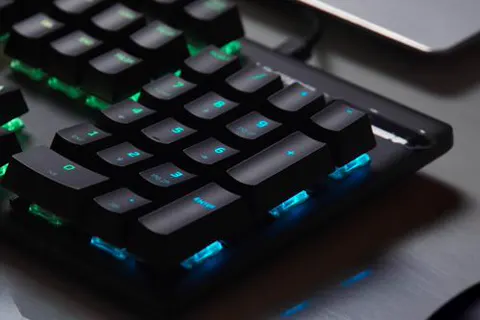


A desk that sounds busy with nobody talking
An empty room can be as distracting as a loud one, and a coffee shop is loud in the way that hurts most, which is people talking. This mix gives you a working room with no conversation in it. Brown noise runs underneath as a deep rumble, the part that covers traffic, an HVAC unit or bass through the floor. Deep Focus adds a wide ambient sound above it, and the typing is set so low that it reads as someone else working across the room rather than a beat you follow. Brown noise does little for voices, so if talking is your real problem, white or pink blurs words better, and no sound removes them.
Keep the typing almost out of earshot
If you start hearing individual keys, mute the typing and work with the two smooth sounds. Deep Focus can come down when you are writing or reading, since its movement competes with language more than the rumble does. Pick the task before you press play, and do not treat a higher volume as more concentration, because a loud rumble on a laptop speaker turns into hiss and rattle. Check after ten minutes whether you have stopped noticing it; if you have not, something is too loud. Save mix keeps your levels in this browser, and Share mix gives you a link to the version you settled on.
Explore the sounds in this mix
Listen to each layer on its own: Brown Noise, Deep Focus and Keyboard Typing. Or start from scratch in the free online sound mixer.
Frequently asked questions
Why is keyboard typing only at 9%?
So it stays a hint of somebody else working. Push it past about 15% and the keys become a rhythm you follow, which is the opposite of what you want.
Does Deep Focus contain spoken words?
No. There is no speech anywhere in this mix, just ambient sound, brown noise and quiet keys.
Can I share my adjusted work mix?
Yes. Set the volumes you want, then use Share mix to copy a link. Save mix keeps it in this browser instead.